

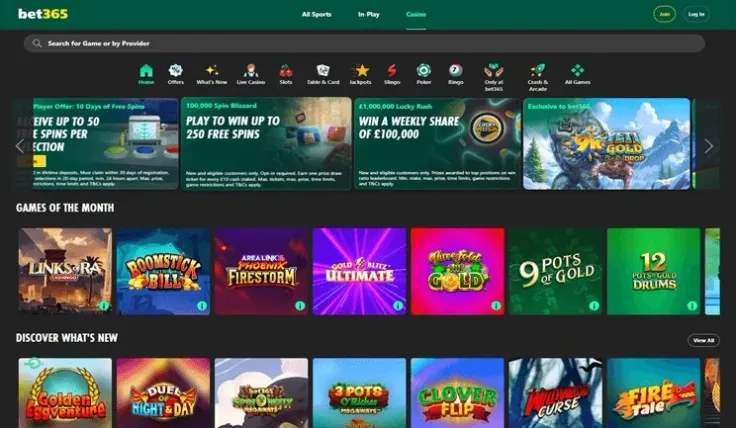
Verifying your bet365 account means uploading proof of who you are and where you live, and the steps above show the order to follow. Have your documents ready before you start: Passport or driving licence and Bank statement or utility bill (proof of address). Clear, complete copies make the check smoother.
What stands behind the check

Every UK-licensed operator must verify age and identity before a customer can deposit or play, and bet365 is no exception, so the check is a fixed part of having an account.
The documents fall into two groups. A passport or driving licence confirms your identity and your age. A bank statement or utility bill is the proof of address, and it shows where you live. You need one document from each group, as the list above states.
Several practical points follow from how document checks generally work, and they apply to any operator:
- The name on each document should match the name on your account.
- Copies should be sharp and complete, with all four edges of the page or card in the picture.
- A document should be one that is accepted as the type listed, so choose a copy that matches the description.
- Details on the document should match what you entered when you registered, including your address.
A mismatch between your registration details and a document is a common reason for a check to take longer. If your details are wrong on the account, correct them with support rather than changing the documents.
18+ · T&Cs apply
When something goes wrong

A document is rejected. Look first at the copy itself: is it blurred, cropped, in poor light, or out of date? Take a new picture in good light with the whole document visible and upload it again. If the same document is rejected twice, ask support what is wrong with it instead of repeating the upload.
The name or address does not match. Contact support and explain which detail differs. Do not edit a document or send one that belongs to someone else, because that can lead to the account being closed.
You have forgotten your password. Use the password help on bet365's own website or app, then go back to the verification steps. The login page explains where logging in happens.
The check seems to be taking a long time. Support is the right place to ask. Live chat is available 24/7 (live chat), and bet365 also has email and phone support. Quote the date you uploaded your documents and the type of each one.
You will need a verified account before you withdraw, as the steps above say, so it is worth finishing the check before you ask for a payment. The withdrawals page explains that process.
If you are asked for a document outside the list above, ask support to confirm the request first. Contact them through live chat, which is available 24/7 (live chat), or by email or phone.
Keeping the account safe
Enter your password only on bet365's own website or app, which you can reach through visit bet365. Never type it into a form on another site, and never send your password to anyone, including someone claiming to be from support.
Keep your documents in a safe place on your device and delete any spare copies after the upload. Do not send them by any route other than the one the steps above describe.
While you are setting the account up, consider setting a deposit limit. It is simple to do, and it keeps control in your hands from the start. The deposits page shows how paying in works, and the safer gambling page lists the tools available to you.